by webmaster | Oct 2, 2025 | News
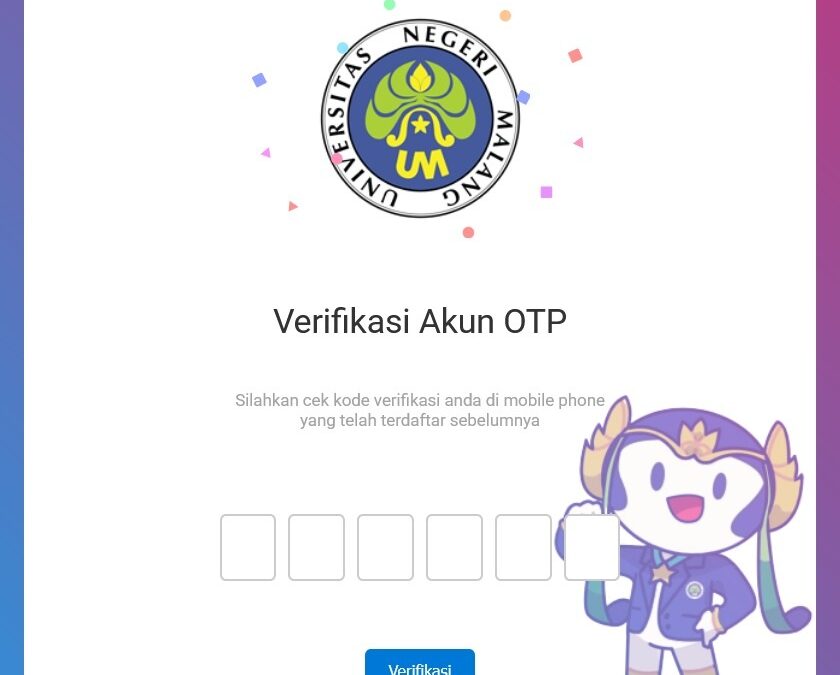
Dalam rangka meningkatkan keamanan akses sistem informasi aplikasi dan memberikan perlindungan tambahan terhadap data pengguna Akun UM, bersama ini kami sampaikan bahwa mulai tanggal 29 September 2025 telah tersedia fitur Autentikasi Dua Faktor (Two Factor...
by webmaster | Sep 2, 2024 | Article
Saat ini UM menggunakan layanan Bitninja sebagai upaya untuk memperkuat keamanan server dan website UM dengan cara melakukan filtering terhadap alamat-alamat IP yang terindikasi bermasalah dan dilaporkan oleh banyak pengguna di dunia maya. Hacker sering melakukan...
by webmaster | Aug 31, 2023 | Wifi and Network
Cek Halaman tersebut di https://profil.um.ac.id
by sandra irawan | Dec 2, 2019 | Article, Wifi and Network
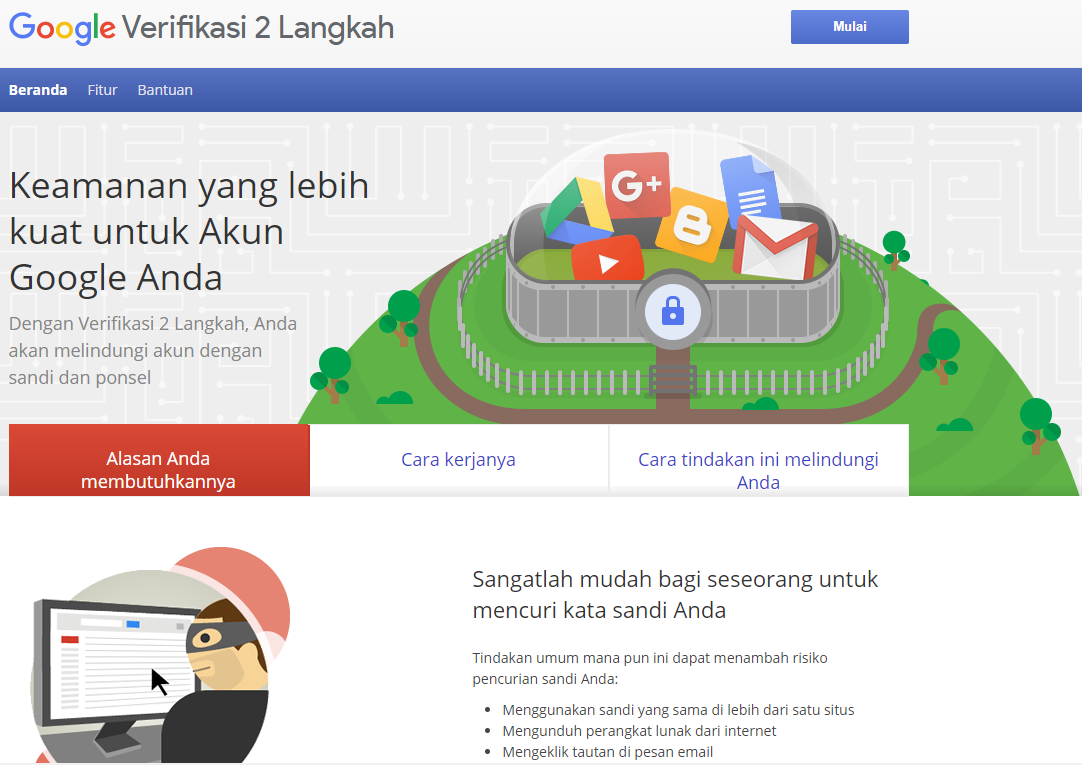
The SSO Account Security Guide can be found at this link.
by webmaster | Nov 7, 2019 | Article, Document, Wifi and Network

by Siska Novianti | Nov 13, 2018 | Article
In order to increase the speed of access and security of servers and websites (especially websites managed by work units), we have moved the website to a server with higher specifications than before and this is still ongoing until...

by Siska Novianti | Mar 14, 2018 | Article, Wifi and Network
SETTING WIFI_1X.UM 1. Click the Wireless Icon in the upper right corner of the laptop 2. Then several SSID options will appear. Select WIFI_1X.UM Mode select automatic. Fill in the username and password according to your single account (a single account is usually used to log in when filling...

by Siska Novianti | Mar 13, 2018 | Article, Wifi and Network
SETTING WIFI_1X.UM 1. Click the Wireless Icon in the lower right corner of the laptop/PC 2. Then several SSID options will appear. Select WIFI_1X.UM 3. Fill in the username and password according to your single account (a single account is usually used to log in when filling in Kinerja.um.ac.id...
by Siska Novianti | Mar 13, 2018 | Article, Wifi and Network
SETTING WIFI_1X.UM 1. Go to settings 2. Select Wireless Network 3. Several wifi options will appear. Select WIFI_1X.UM 4. When selecting WIFI_1X.UM on your smartphone, security options will appear as shown in the picture. Here are the instructions...

 English
  Indonesian
Last Comments